Your data powers every decision you make. The question is—who really controls it?
Every campaign, nonprofit, advocacy organization, and association depends on data. Supporter records, donor histories, volunteer activity, event registrations, fundraising performance, voter universes—it's the engine behind every email sent, event hosted, and dollar raised.
But as organizations adopt more cloud-based technology, an important question often gets overlooked:
Where does your data actually live—and who controls it?
That's where data sovereignty comes in.
What Is Data Sovereignty?
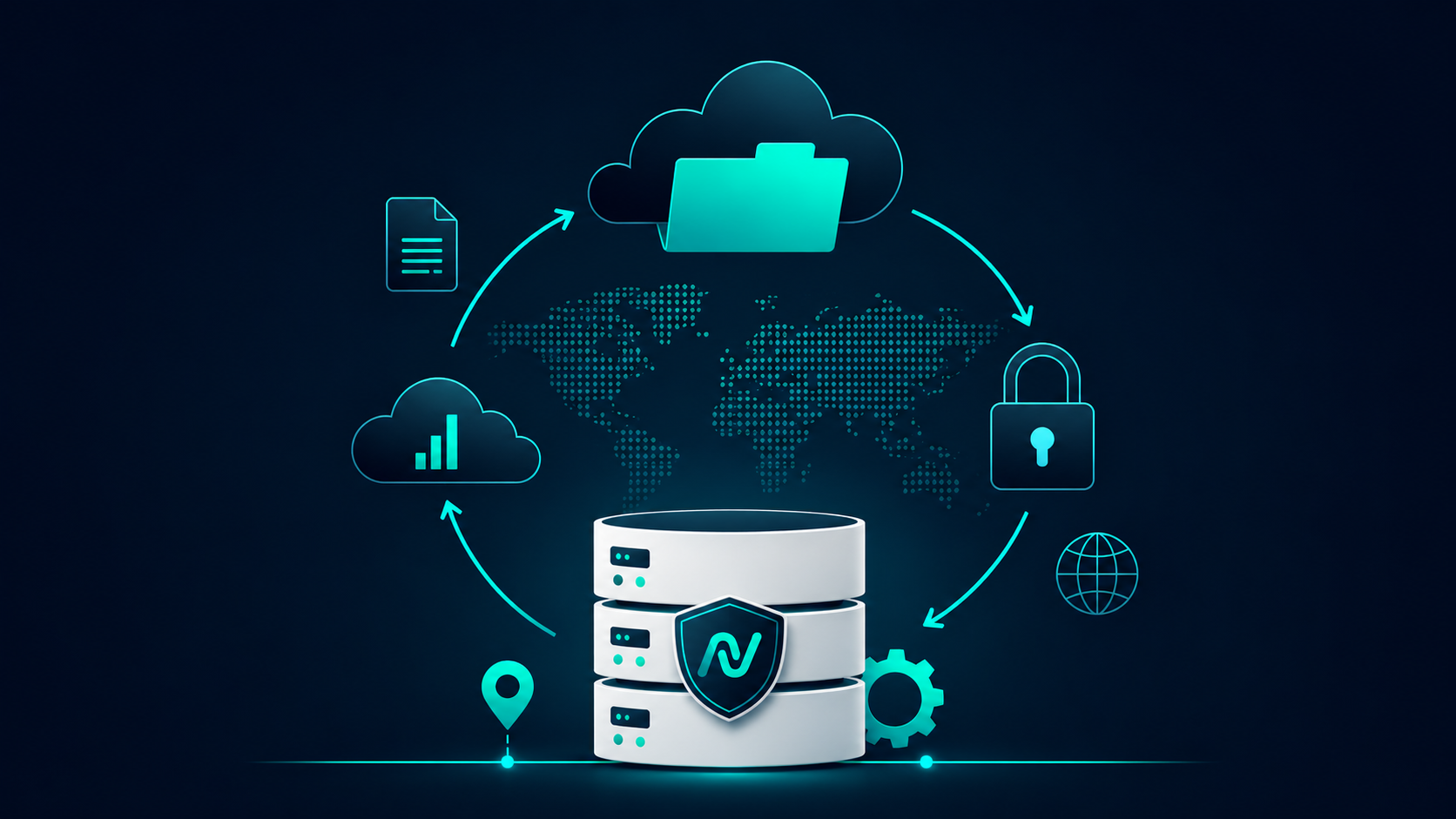
Data sovereignty refers to the idea that digital information is governed by the laws and regulations of the country where it is stored.
In other words...
It's not just about where your data is hosted.
It's about:
- Who has legal jurisdiction over it
- Who can access it
- How it's protected
- How it's transferred
- How long it's retained
- Whether you truly own it
For organizations handling sensitive constituent information, these questions matter.
Data Ownership vs. Data Sovereignty
These terms often get lumped together, but they're different.
Data Ownership
- Your organization owns its supporter data.
- You control how it's used.
- You decide who has access.
Data Sovereignty
- Determines which country's laws apply to that data.
- Impacts compliance requirements.
- Affects privacy protections.
- Influences how data can be accessed or transferred.
Both are essential.
Why It Matters for Campaigns
Campaigns move fast.
Data flows between websites, CRMs, fundraising platforms, texting tools, email providers, analytics platforms, and countless integrations.
Without realizing it, organizations often have supporter information scattered across multiple vendors.
That creates unnecessary risk.
Questions every organization should ask include:
- Where is our supporter data stored?
- Can we export our data at any time?
- Who has administrative access?
- How is our data encrypted?
- What happens if we leave the platform?
- Does the platform use our data to train AI models?
- How are backups handled?
- What security certifications are in place?
These aren't technical questions.
They're organizational questions.
AI Makes Data Governance Even More Important
Artificial intelligence is transforming campaigns.
From smarter audience segmentation to AI-generated content and predictive analytics, organizations are embracing tools that make teams more productive.
But AI also raises new questions.
Before using any AI-powered platform, organizations should understand:
- What information is being processed?
- Is customer data used to train public AI models?
- Are prompts stored?
- Can sensitive information be excluded?
- What governance controls exist?
Responsible AI starts with responsible data management.
Building Trust Through Transparency
Technology should never feel like a black box.
Organizations deserve to know:
- How their information is protected.
- Where it's stored.
- Who can access it.
- How it's secured.
- What happens if they decide to leave.
Transparency builds trust.
Trust builds long-term partnerships.
What to Look for in a Technology Partner
When evaluating any campaign technology platform, ask whether they provide:
- Secure cloud infrastructure
- Role-based permissions
- Audit logging
- Encryption in transit and at rest
- Data export capabilities
- Backup and disaster recovery processes
- Clearly documented security practices
- Transparent AI governance
- Compliance with relevant privacy standards
A technology partner shouldn't just help you communicate better.
They should help you protect the data that makes every communication possible.
The Nucleus Approach
At Nucleus, we believe your data should remain exactly that—your data.
Our platform is built with security, transparency, and organizational control at its foundation. Whether you're managing millions of supporter records, launching nationwide advocacy campaigns, coordinating volunteers, or running fundraising initiatives, protecting your information isn't an afterthought—it's part of the platform.
As organizations continue embracing AI and connected technologies, data sovereignty will only become more important.
Because smarter technology should never come at the expense of trust.
SEO Title
What Is Data Sovereignty? Why It Matters for Campaigns and Advocacy Organizations
Meta Description
Learn what data sovereignty means, why it matters for campaigns, nonprofits, and advocacy organizations, and how to evaluate technology partners that prioritize security, transparency, and control.
Your Data Deserves a Platform Built Around You
See how Nucleus gives your organization the tools to manage supporter data, communications, fundraising, events, and more—all within one secure, connected platform.
Take a personalized tour and discover how Nucleus can help your team work smarter while maintaining control of the data that powers your mission.